


SmallHD Adds Camera Control Feature For C70, C80, C300mkIII, C400, and C500mkII Canon Cameras

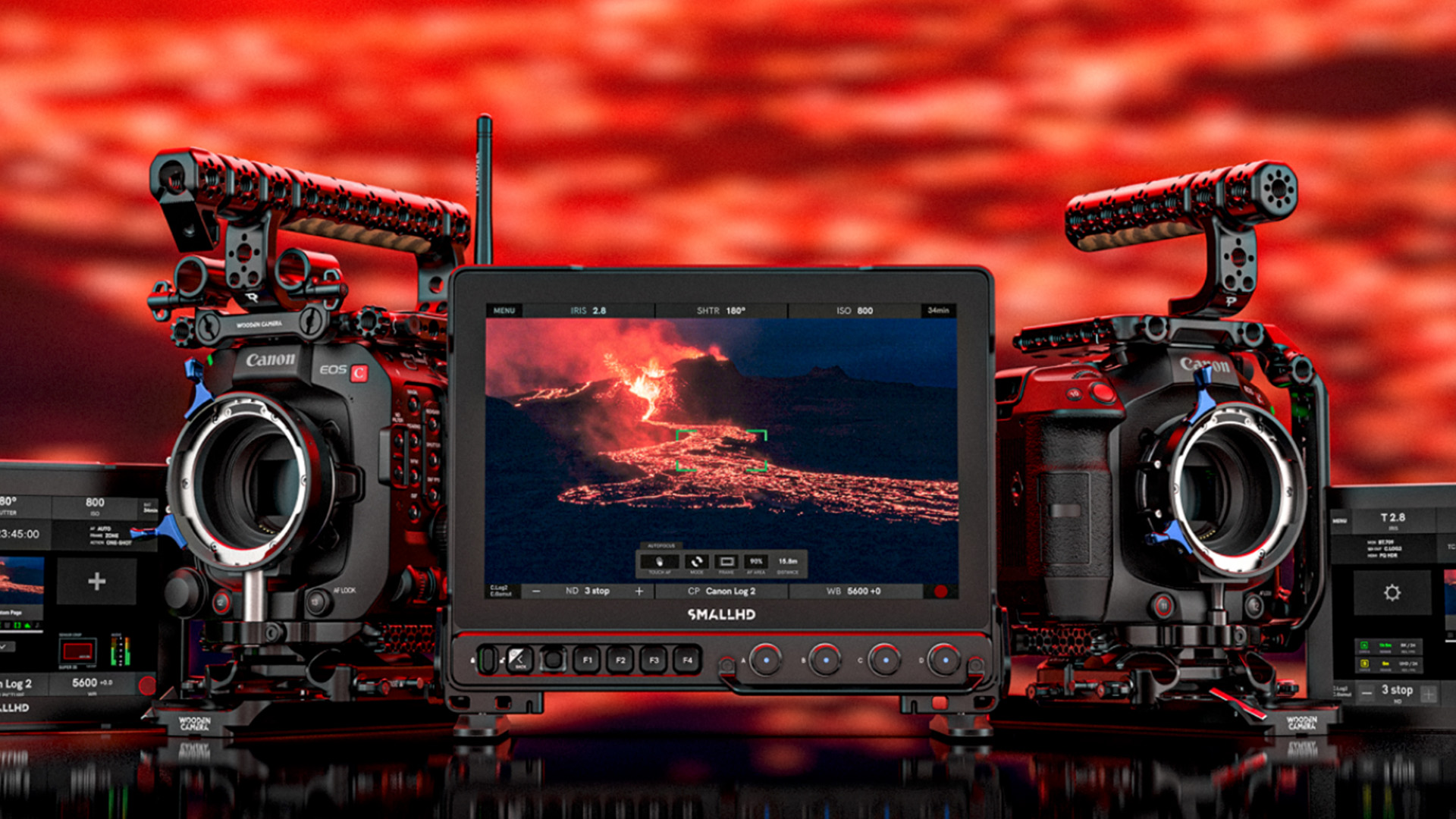
SmallHD has introduced a paid upgrade that enables camera control for the C70, C80, C300 Mark III, C400, and C500 Mark II Canon Cameras. Your monitor must be updated to the latest firmware in order to use Canon Camera Control.
*C70 requires a USB-C to Ethernet adapter.
View your shot, control your settings, and dive into camera menus from the PageOS software platform.
- Adjust Shutter Speed, Aperture, ISO, ND, Codec, and trigger record Start/Stop
- Touch to Focus Compatibility
- Navigate through the camera deep menu UI
For hardware specifications and step-by-step installation instructions, click here.
Supported SmallHD Monitors:
- Cine 5
- Ultra 5 / Ultra 5 RX / Ultra 5 TX
- Cine 7
- CINE7 500 RX / CINE7 500 TX / CINE7 SK RX
- Ultra 7 / Ultra 7 RX (750 & 1500) / Ultra 7 TX (750 & 1500)
- Ultra 10 / Ultra 10 RX
- Cine 13
- Cine 18
- Cine 24
- Vision 17
- Vision 24
- OLED 22
- OLED 27
- Quantum 27
- Quantum 32
Connecting camera control walkthrough by camera model:
Canon Camera Control EOS C300 Mark III / EOS C500 Mark II
Canon C400 Camera Control
Canon C70 Camera Control Setup
Canon C80 Camera Control Setup
For a specific hardware connection breakdown for each compatible monitor click here.
Connection & Adapter Requirements
Some USB-C to Ethernet Adapter adapters may not work with C70 Camera Control. If you already own an adapter and it is not working, please use one of the following tested and approved adapters:
USB-C to Gigabit Ethernet Adapter | Belkin US
If using a direct connection, you will need:
Ethernet cable which has two RJ45 connectors at each end.
If using a direct ethernet connection with C300mkIII/C500mkII, you will need a Canon EU-V1, EU-V2, or EU-V3 Expansion Unit
If you are using a direct Ethernet connection to Cine 5, you will need a 5-Pin USB to Ethernet Adapter.
If you are using a WiFi connection on C300mkIII/C500mkII you will need WFT-E9A
If you are using a 5 or 7-inch monitor for a WiFi connection, you will need a third-party adapter and a Locking Connector to USB Adapter Cable (4K Production Monitors have USB already, which can be used for a 3rd party WiFi adapter).
If you are using this adapter with Cine 7 you will also need Micro USB to 5-pin Adapter.
Pricing
Unfortunately, this upgrade costs $400, and depending on the Canon camera, you will need to purchase connecting hardware. For example, if you opt for the wireless option with the Canon C300 MKIII, you will require the Wireless File Transmitter WFT-E9A, which retails for $730. The hardline option requires the $2219 Canon EU-V3 Expansion Unit.
Camera control is a love-hate option for me. I have it on my Portkeys BM5IV WR 5.5″ (retails for $749 and includes camera control for free) and rarely use it. I know my way around the camera so well that I seem to fumble more when using the monitor to make camera settings changes. It’s great to have the option; however, considering the price and the additional hardware required for certain cameras, the cost is relatively high.
